
 Gwisted
Community
Wuthering Waves Community Shares Tips for New Launcher Update
Gwisted /
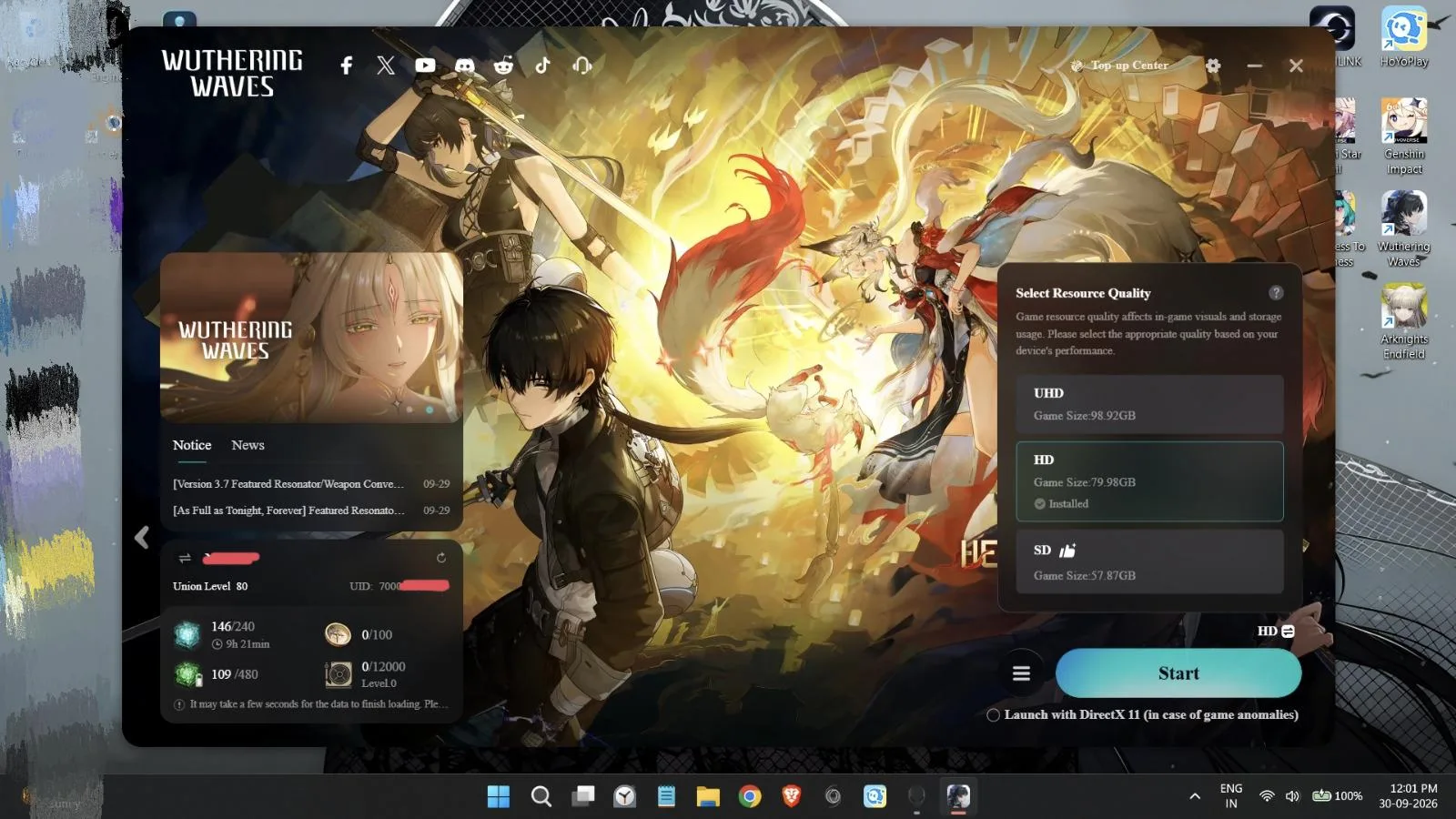
A Reddit user in r/WutheringWaves suggests downloading the new launcher directly from the official site and keeping the default installation directory to ensure a smooth update.
At a glance
- User u/kiyotakaizumi recommends downloading the new launcher from the official website.
- Players are advised not to change the installation directory during setup.
- Hitting continue during installation will automatically update the launcher.
- The post is a community tip rather than an official developer statement.
Community members on r/WutheringWaves are discussing the recent introduction of a new launcher for the game. In a post titled "This new launcher is so much better," user u/kiyotakaizumi shared specific instructions for players looking to transition to the updated software. The user advised that those wishing to obtain the new launcher should visit the official website and download it directly. A key piece of advice provided was to avoid changing the installation directory during the setup process. Instead, the user recommended simply hitting continue, which will automatically update the existing launcher. This guidance aims to streamline the update process for players, ensuring they can access the new features without technical complications. While the post highlights the perceived improvements of the new launcher, it serves primarily as a community-driven tutorial rather than an official announcement. Players are encouraged to follow these steps to maintain a stable connection to the game's services. The discussion reflects the active engagement of the Wuthering Waves community in sharing practical solutions and tips for navigating game updates. As with all community-sourced information, players should verify details against official channels for critical updates, but this post offers a straightforward approach for those looking to upgrade their client.